
ID: com.flaki.gasenjeekrana
Version: 2.0.3
File Size: 0Mb
Screen lock - virtual button Screenshots
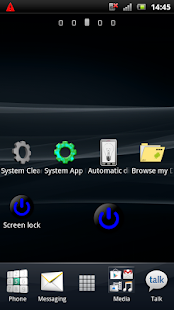
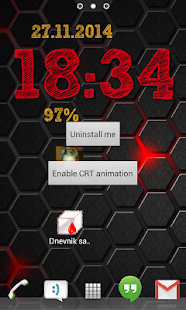
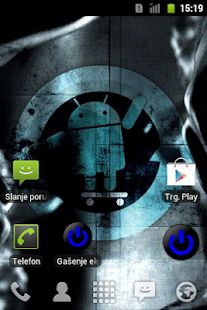
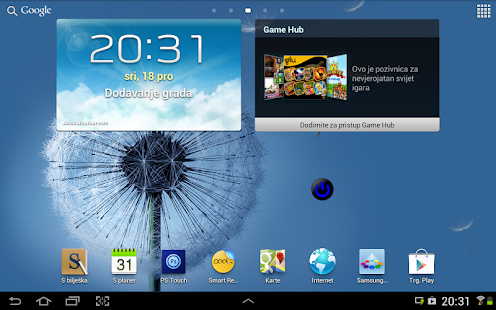
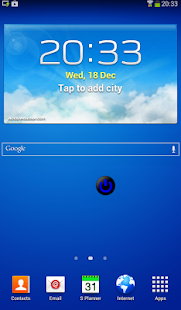
Screen lock - virtual button Description
For uninstall or enabling CRT animation, enter settings by holding "Back" or "VOL+" when launching the app!This is a small application that turn's off and lock the display without using the physical button.
You can use the app shortcut, or the widget (without the text).
No need to configure, no adds.
If you don't like my icon, download your self one in png format, put it in the root of your sdcard(or internal storage if the device has it) , rename it to "power_icon.png" , then remove the old widget, re-add it again, and the new icon is here
On first start you will be asked to enable it as device administrator,
this is needed to get access to the screen lock function.
Uninstall:
Honeycomb and above:
- go to Settings>Security>Device administrators, uncheck(deactivate) Screen lock - then proceed with normal uninstall
Gingerbread:
- go to Settings>Location & security>Select device administrators, uncheck(deactivate) Screen lock - then proceed with normal uninstall
What's new in Screen lock - virtual button 2.0.3
2.0.3- app excluded from recent apps list
2.0.2
- fixed animation on Gingerbread devices
2.0.1
- added CRT like animation
- access settings by holding "BACK" or "VOL+" when starting app
- fixed widget size on some devices
1.1.1
- fixed background of invisible activity was showing on some kitkat roms